Piece library
How to open the piece library, play its pieces in the web player, download files for the apps and submit your own piece for review: access terms and rules.
What the piece library is
The piece library is a closed collection of arrangements for the player, put together by editor users themselves. A piece is submitted for review, the administrator checks it, and an approved piece appears in the library. It is played right on the site, in the web player: with highlighted buttons, finger numbers, registers and the staff.
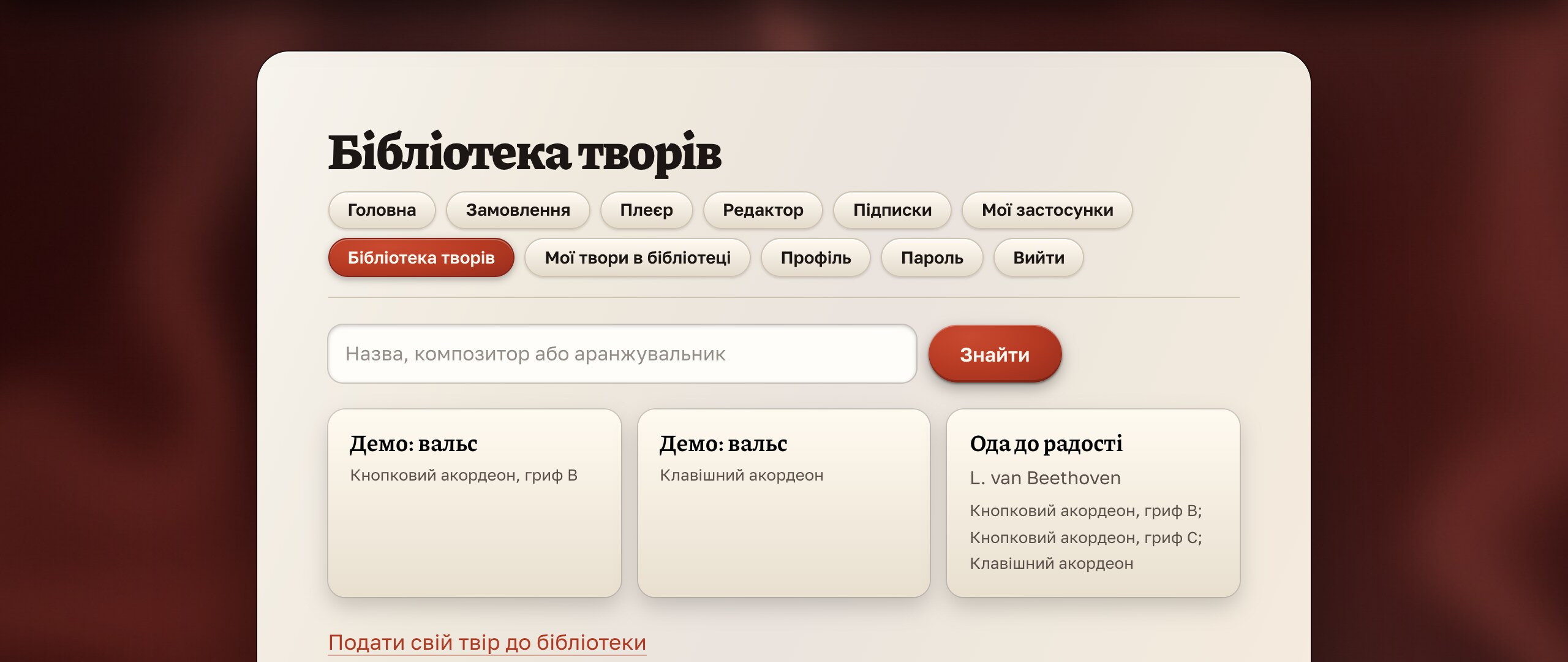
Pieces can be played right on the site, in the web player. And those with a library or editor subscription can also download the piece’s file to open it in the apps, mobile ones included.
Who can open the library
The library opens after you sign in. The terms of access are:
- A “Library” subscription. A separate monthly subscription. There is no one-time payment for it.
- An editor subscription. The library is included while the subscription lasts. The editor trial does not open the library.
- A one-time purchase of the editor. If you bought the editor forever, the library is open free for 12 months from the date of purchase. After that a “Library” subscription is needed.
While the library has few pieces, it is open to everyone who signs in to the site; the subscription for it will be turned on later, when the collection grows. What exactly is open in your account is shown in your account on the “Piece library” page.
How to use it
- Open the library and sign in if you have not yet.
- Find a piece by title, composer or arranger in the search field.
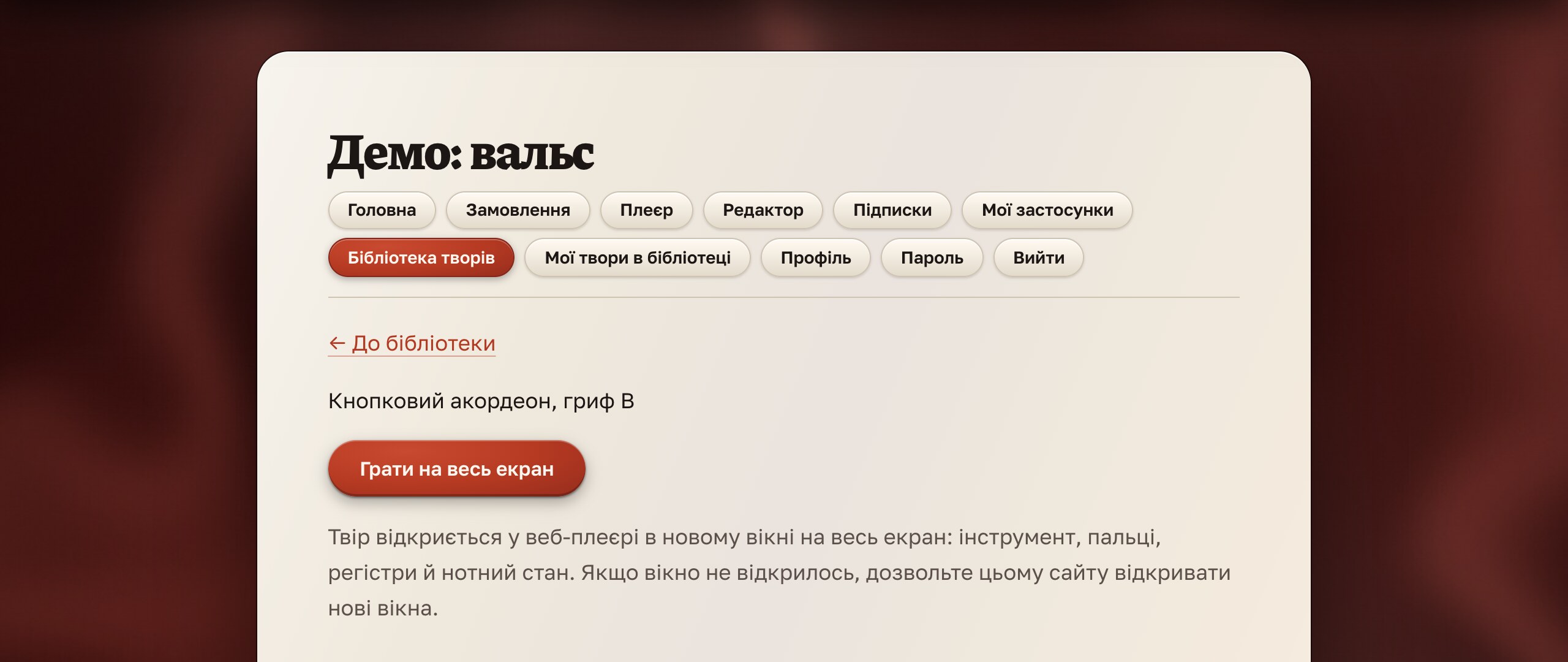
- Open the piece and press “Play full screen”: the player opens full screen in a new window.
- Then all the player’s features work: the instrument, view, labels, A–B loop, metronome and tempo, video recording. Details are in the player guide.
Downloading files for the apps
On the piece page, library and editor subscribers get a “Download .accplay file” button. The file opens in the player on a phone, tablet or computer: in the app press “Open file” and choose it. Downloading is allowed for personal use: you may not distribute other people’s files.
If the library is open to you without a subscription (while it is available to everyone who signs in), you can play pieces on the site, and download files only with a library or editor subscription or within a year of a one-time purchase of the editor.
How to submit your piece
Pieces can be submitted by users who have the editor open: with a trial, a subscription, a one-time purchase or a gift. Submitting takes three steps.
- Prepare the piece in the editor. Check that the list of issues is empty and fill in “About the piece”: title, subtitle, author and composer. The title is required: without it the file will not be accepted.
- Export the file for the player (
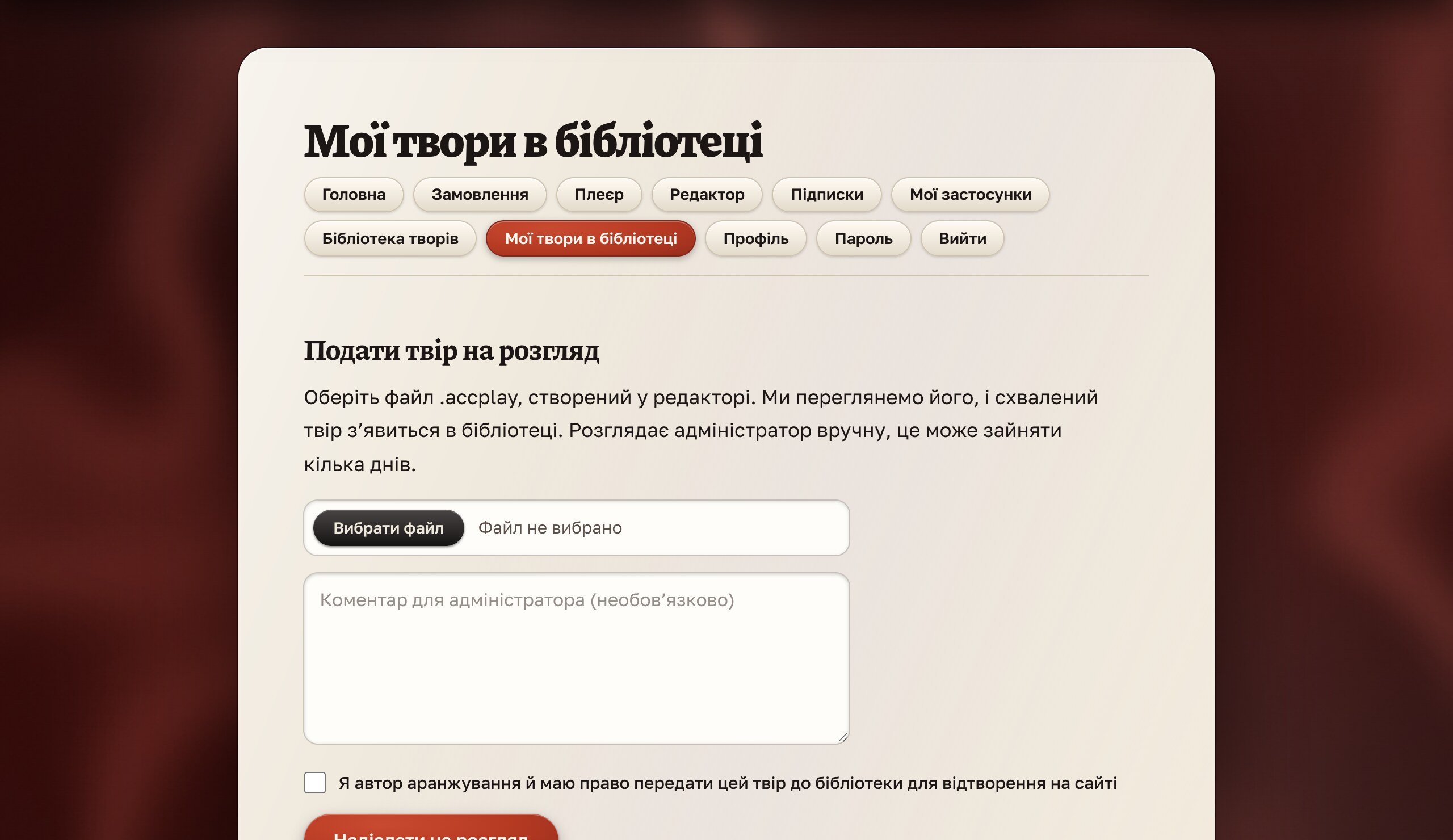
.accplay, up to 8 MB). - Send it in your account: the “My pieces in the library” section → choose the file, optionally write a comment for the administrator, confirm that you are the author of the arrangement and have the right to hand the piece to the library, and press “Send for review”.
What happens after you submit
- The administrator gets a notification and reviews the piece by hand: listens to it in the player and checks the title and names. This may take a few days.
- Approved: the piece goes into the library and you receive an email.
- Rejected: you receive an email with the reason, and you can fix the piece and submit it again.
- The status of every submitted piece is visible in your account on the “My pieces in the library” page.
Limits and rules
- The file must be created in the editor (
.accplay), no more than 8 MB. - No more than five of your pieces can be under review at the same time.
- The same file is not accepted twice.
- Submit only arrangements that you made yourself and have the right to hand over. Copyright and the license for pieces in the library are covered in the terms of use.