Your accordion on the screen
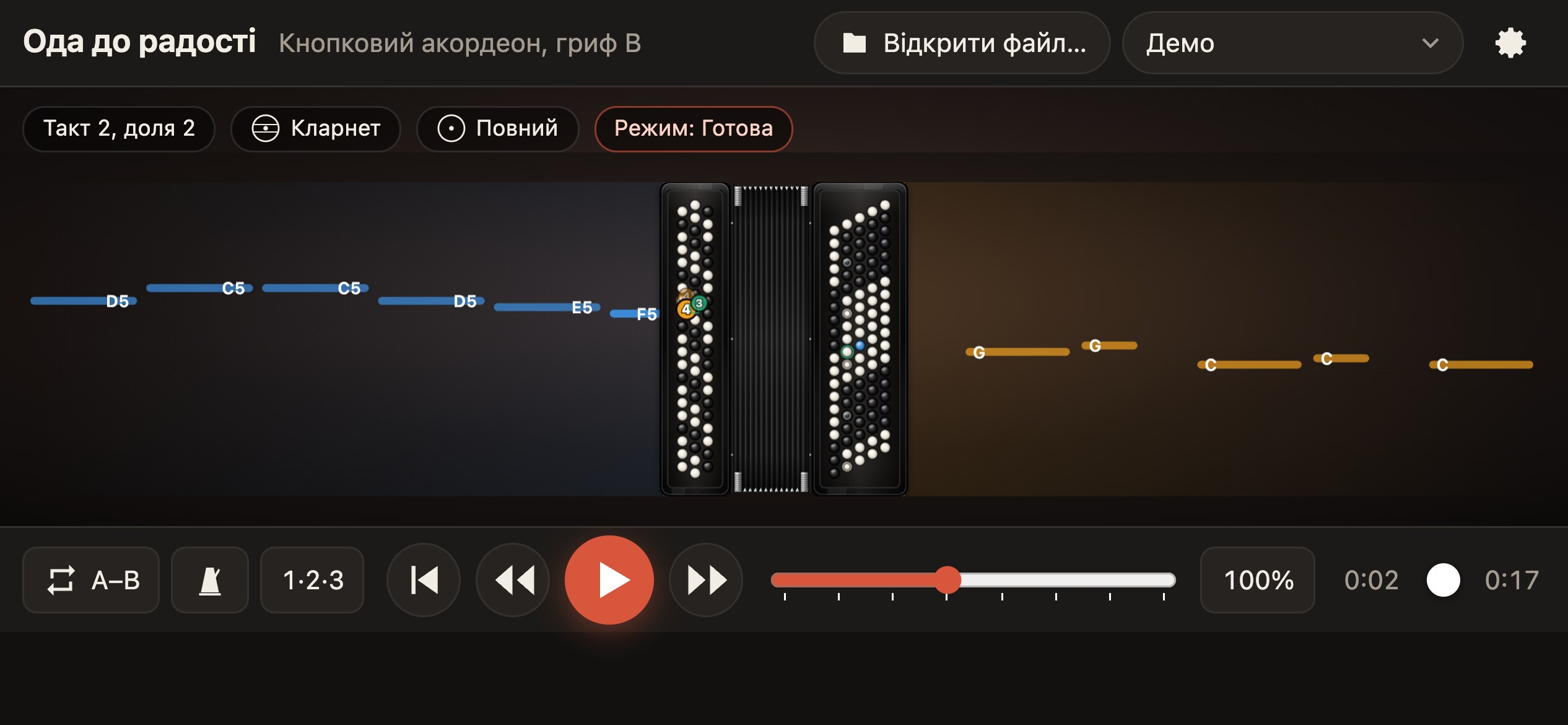
The player shows, on an exact model of the instrument, which buttons and keys to press with both hands and with which finger: the finger number glows right on the button. Plus registers, bellows and notes ahead of time. For button accordion with a B or C griff and for piano accordion.
The real layout
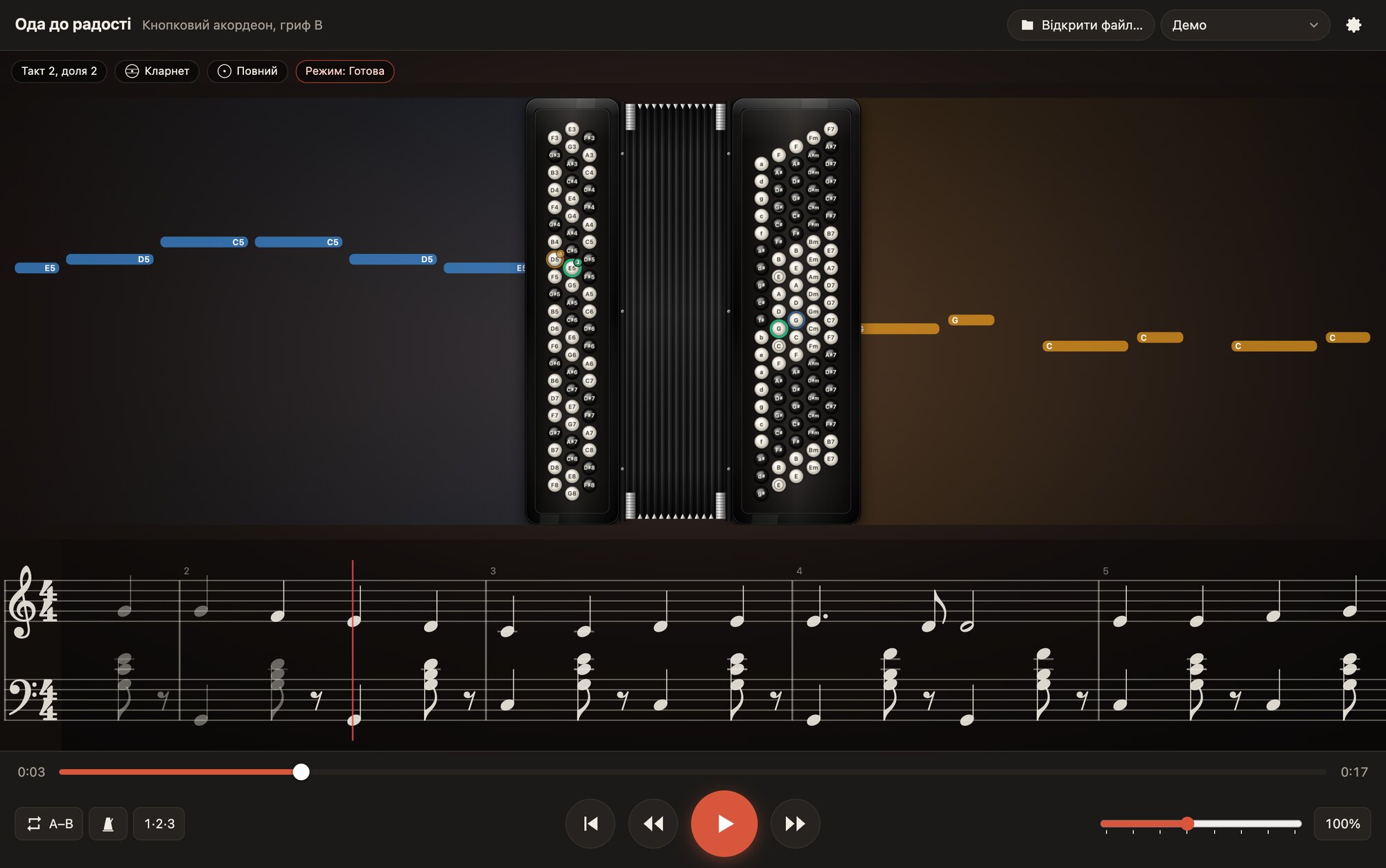
Buttons, keys and basses are placed exactly as on the instrument: five rows for the right hand, 120 basses, the rows of the free bass.
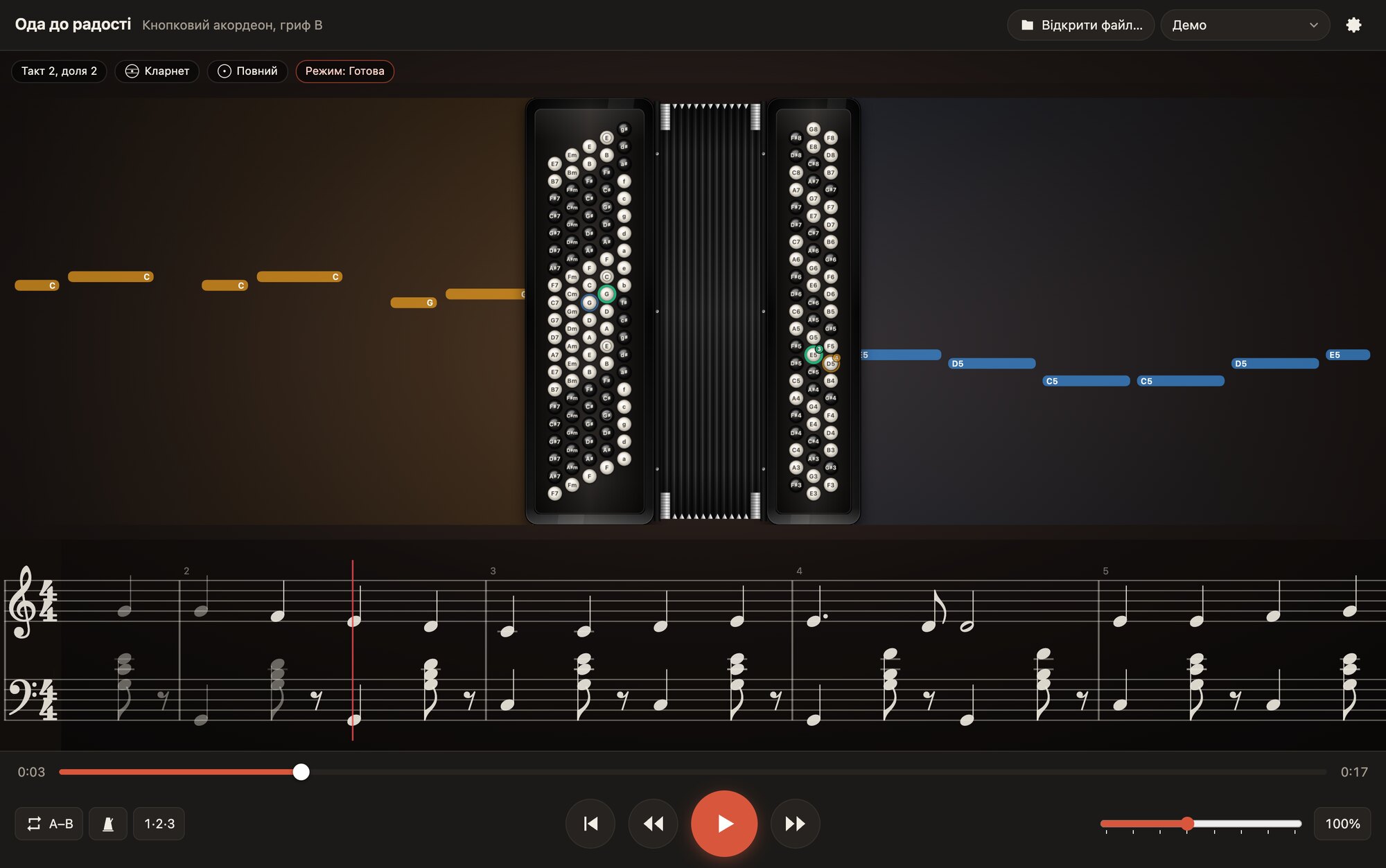
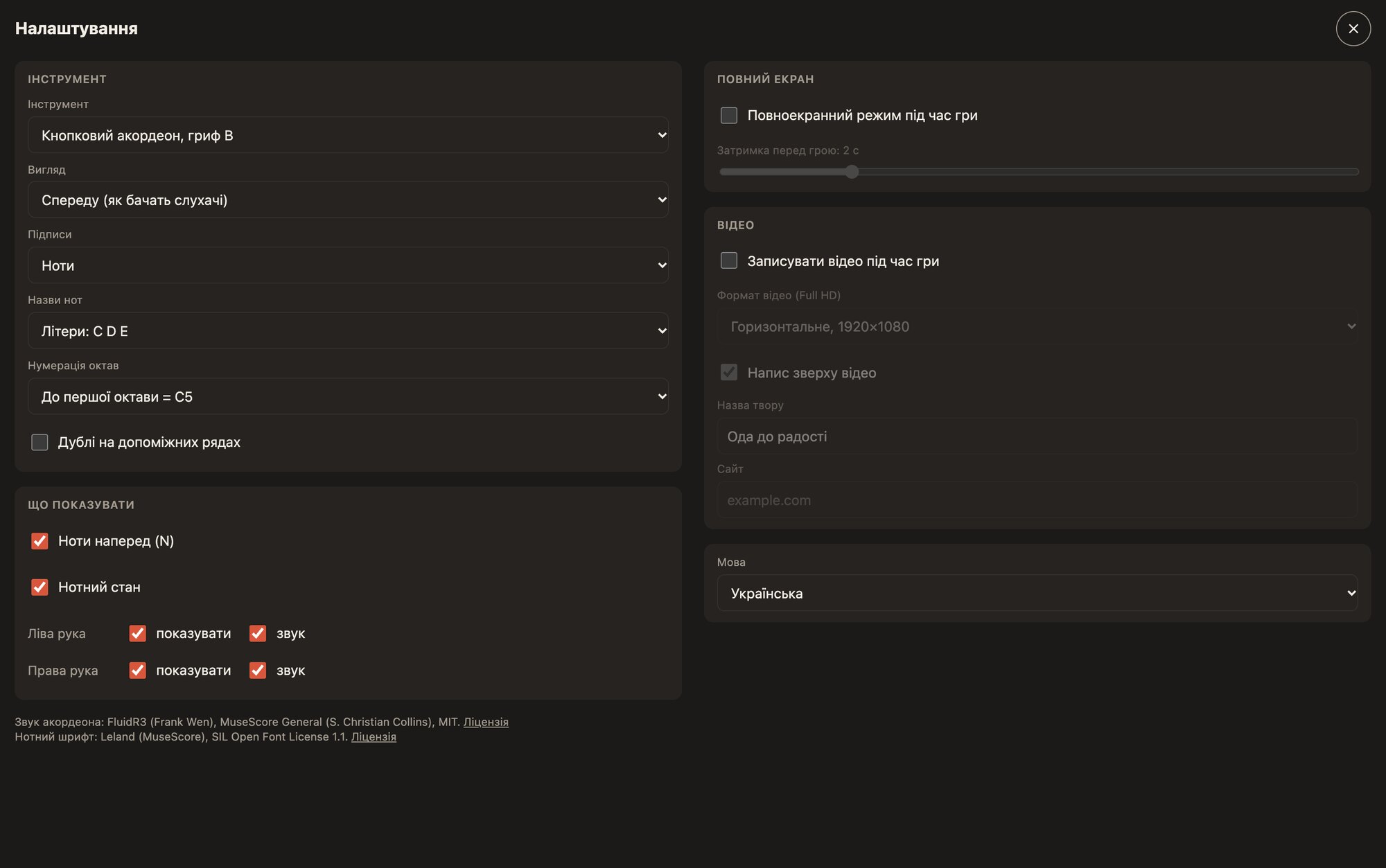
Presses are visible on the buttons themselves, and the labels are note names or finger numbers. The “front” view shows the instrument as the audience sees it, and “performer’s eyes” as you see it. Octave numbering is school or scientific.
Every button close up
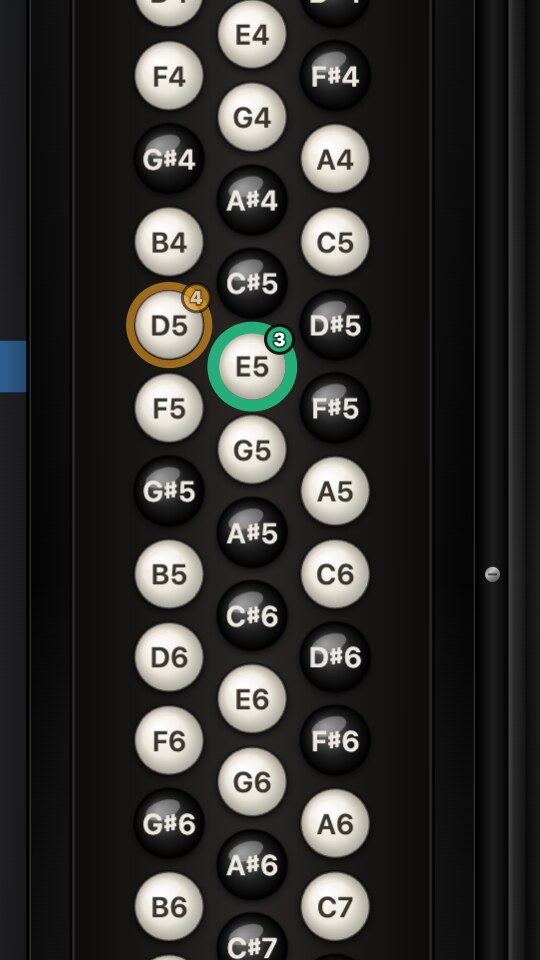
The right hand shows which button to press and with which finger: the colour of the button is the finger, and its number sits in the corner. The left hand shows the basses and chords of the Stradella system, and the button that sounds lights up.
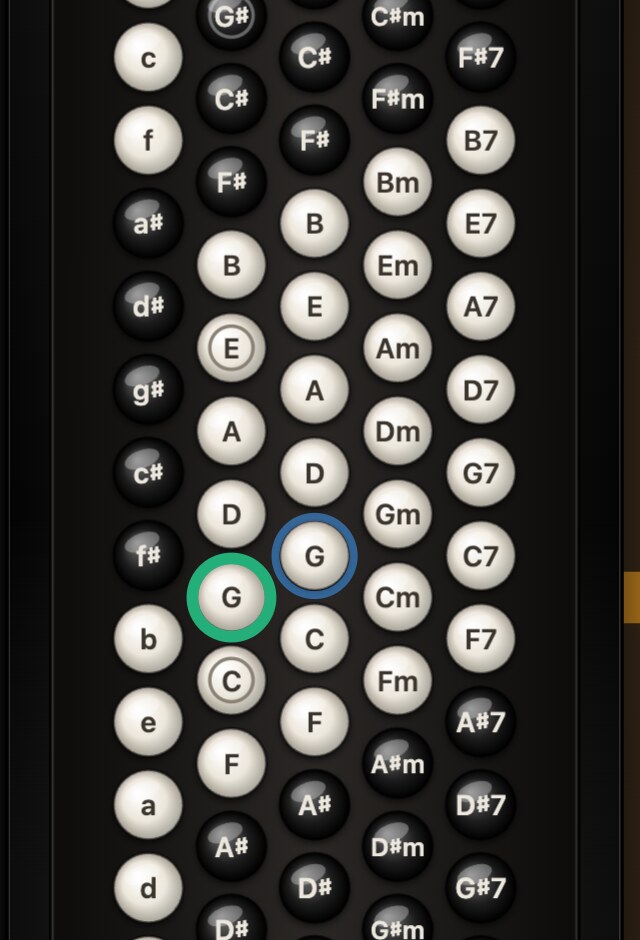
Zoom in and look at the buttons close up
You can enlarge the instrument: pinch on a phone or tablet, Ctrl or ⌘ with plus or minus on a computer. The buttons, labels and finger numbers stay sharp.
The piece library
A closed collection of pieces that editor users submitted and we approved.
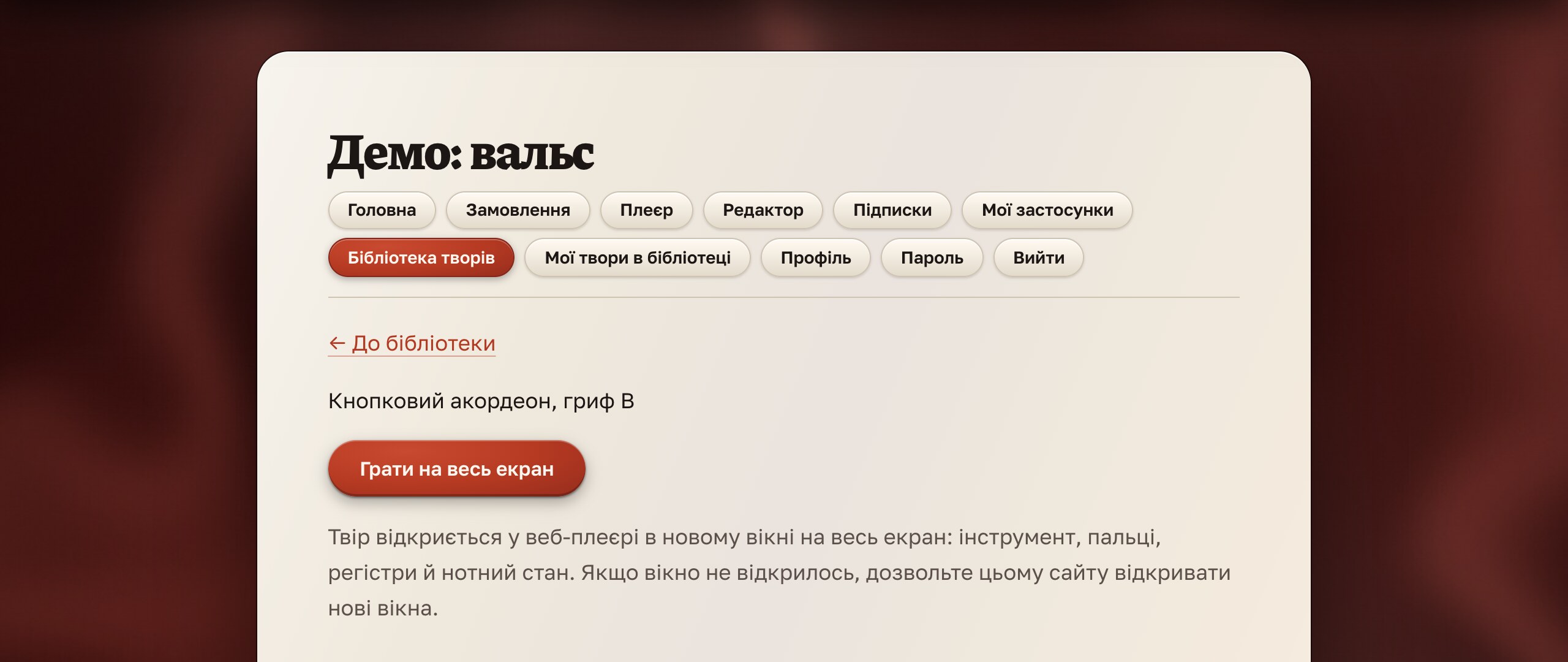
Open a piece in the web player on the site and play along: highlighted buttons, finger numbers, registers and the staff. The library opens after you sign in, and subscribers can also download the files to open pieces in the apps on a phone; the access terms and how to submit your own pieces are in the documentation.
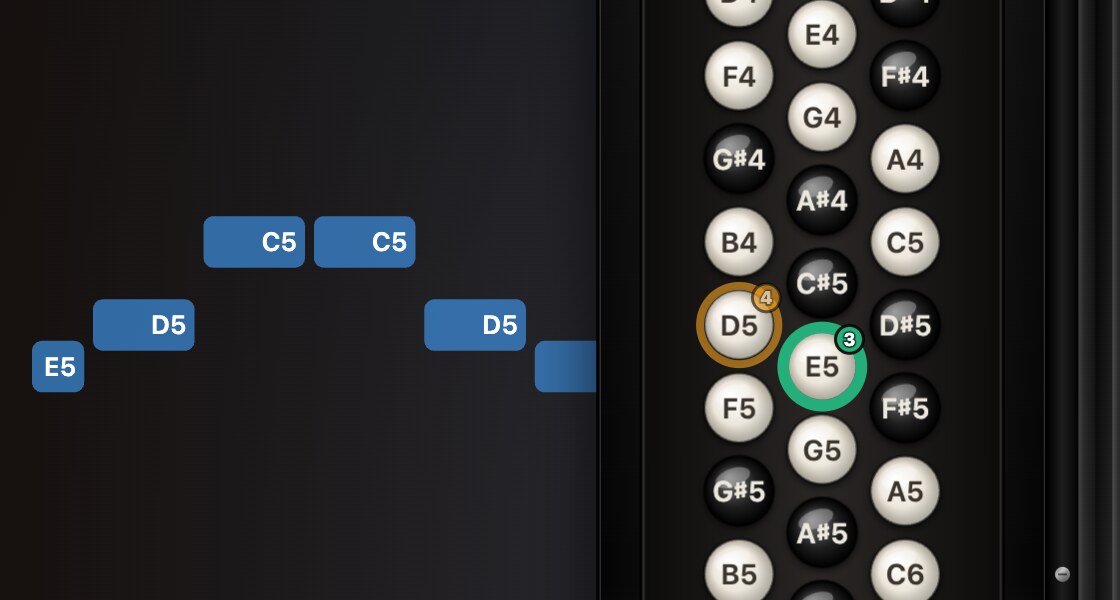
Notes ahead of time and the staff
Note lanes float toward the instrument from both sides: length is duration, height is the note, colour is the hand.
Under the instrument runs an engraved score for both hands with dynamics, slurs, bellows, chord names and registers. On a phone it appears in full-screen mode.

Practice that remembers you
- An A–B loop on any bars
- Tempo from 25 to 200% in steps of 25%
- A metronome accenting the first beat, and a bar of count-in
- Sound and display of each hand separately
- A bar forward, a bar back, to the start
- Full screen with a delay, so you can pick up the instrument
All settings are kept between launches, and a piece prepared for several instruments is switched with a single list.
A video of your lesson: free
Turn on recording and press “Play”. The player records the instrument, the note lanes and the staff together with the sound in Full HD, with the title of the piece and your site’s address across the top. A link to our site stands at the bottom of every video, so your video lessons help others find the player.
- Two formats: horizontal 1920×1080 and vertical 1080×1920 for phones
- MP4 (H.264 and AAC) or WebM, 30 frames per second
- Choosing where to save right after recording
- On a computer, phone and tablet
Free on five platforms and in the browser
No time limits. The demo pieces are already inside: open and play. In the browser the player opens after you sign in.